
Advanced Implementation
This hub covers optional work you can add on top of the core flow in Implementation. Use it when you want stronger branding, a smoother onboarding path, multi-user business banking, custom identity, richer automation (webhooks and APIs), or a unified onboarding story with payment processors.
You can adopt topics in any order; most teams start with theming and JWT (if you are not using the default token path), then add pre-fill, team access, or webhooks as product needs grow.
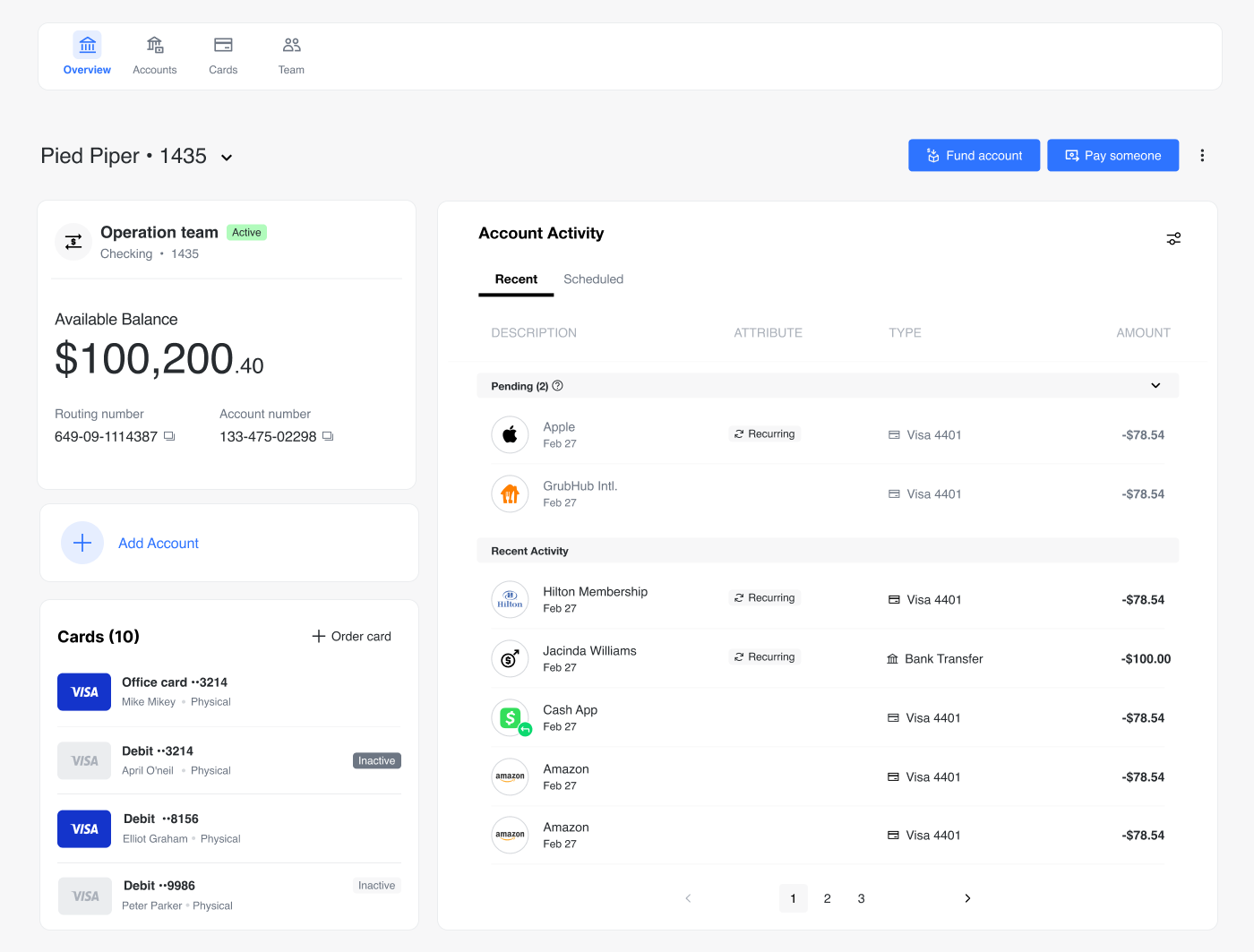
Nothing here is required to ship Ready-to-Launch Banking. Several features need Unit-side configuration (for example pre-fill or team-list endpoints, webhook subscriptions, or Ready-to-Launch API tokens). When a page says to contact Unit, plan for that in your rollout.
- Theming — align the White-Label App with your brand.
- Custom JWT Authentication — if your customers sign in with your own identity system and you give Unit the public keys to verify those tokens.
- Implementation — core embed and platform setup if you have not finished it yet.
In this section
| Topic | What it’s for | Effort (guide) |
|---|---|---|
| Theming | Colors, logos, fonts, and settings-json for the White-Label App | — |
| Pre-filling User Information | Let Unit pre-fill the application from your API | 1–2 days |
| Custom JWT Authentication | RS256 JWTs and public key / JWKS validation | 3–4 hours |
| Embedded Application Form | Onboarding-only embed with unit-elements-application-form | ~30 minutes |
| Handling End-User Events | Listen for application form lifecycle events | — |
| Unified Onboarding | Single flow across Unit Banking and payment processors | 2–3 hours |
| Webhook Events | Real-time notifications for Ready-to-Launch Banking activity | 2–3 hours |
| API Reference | Ready-to-Launch Banking HTTP APIs (accounts, transactions, payments, etc.) | — |
| Multi-User Access | Business team roles, invites, and partner user-list API | 1–2 days |
For customer-facing emails and notifications, see Customer Outreach.